

Getting started
Bring in your existing thesis
If your thesis or paper is already in Word, you don’t have to start over. You upload your Word file (.docx); Grongy opens the text and moves the papers in your bibliography into the document’s library.
If you’d like to try it out first, download the sample thesis; the screenshots below were taken with it. Sample files describes what’s inside.
-
Press New on the left and, with Write selected, choose your document type.
-
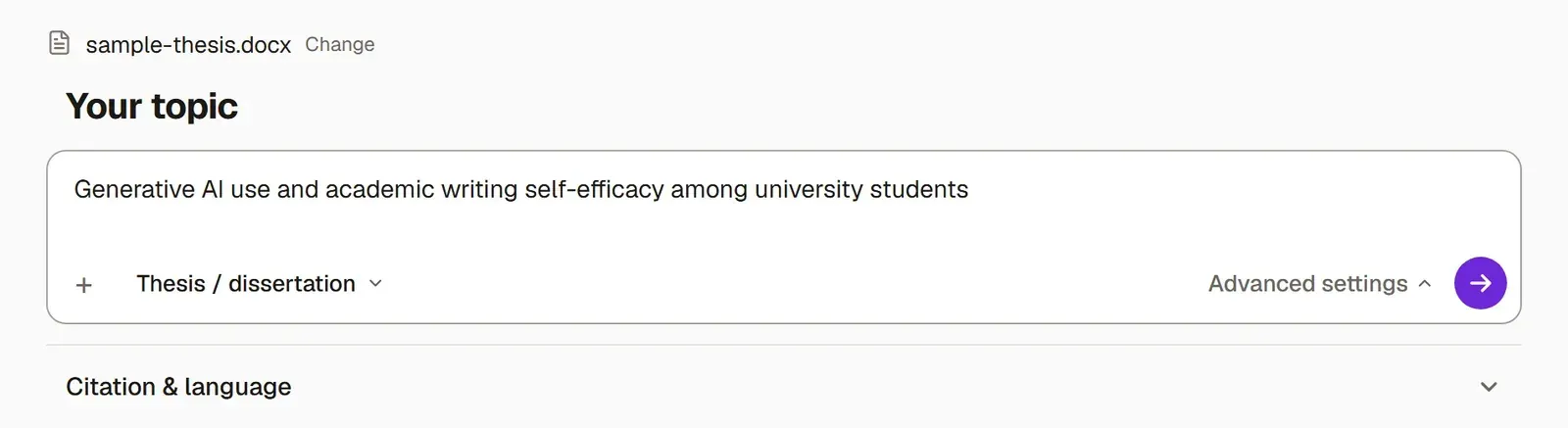
On the Where are you starting from? screen, press I have a draft or My text is finished, then add your .docx file.
-
Under Advanced settings → Citation & language, check that the Writing language is the language your thesis is written in.
-
Answer the questions about your work, or pass over them with Skip.
-
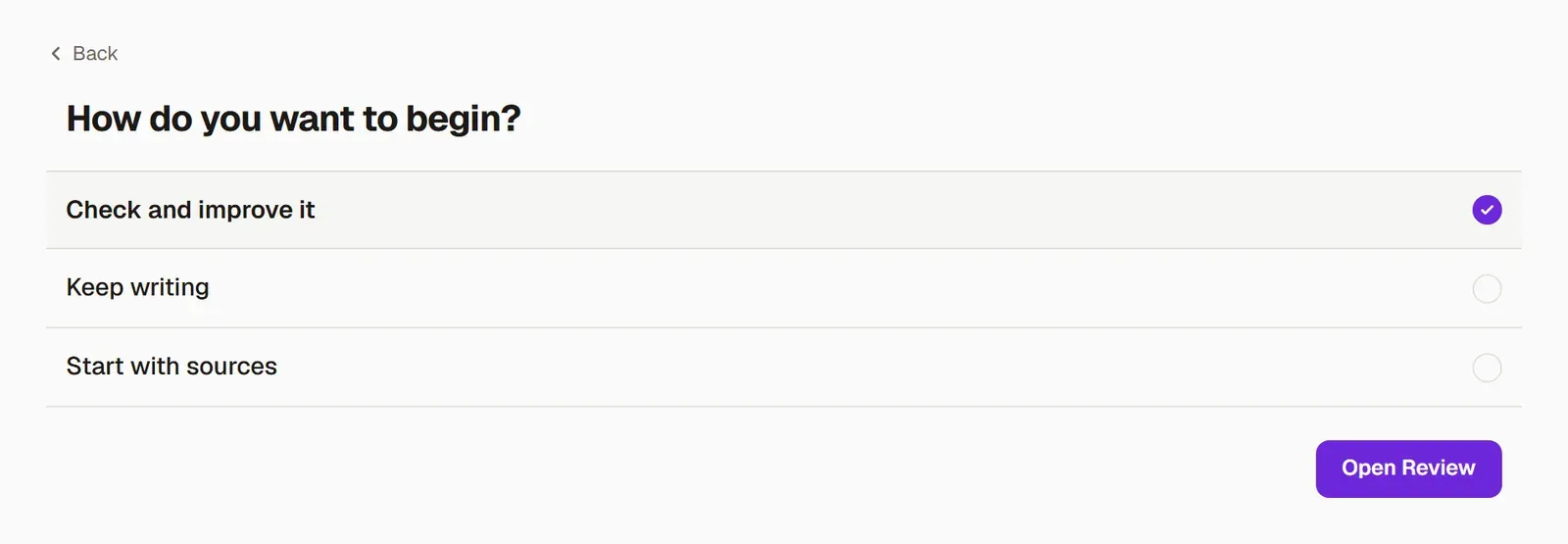
On the last screen, choose how to continue:
- To put your thesis into review right away, choose Check and improve it and press Open Review.
- Keep writing takes you back to where you left off.
- If you’d rather look for missing sources first, choose Start with sources.
What’s next
Section titled “What’s next”Review your thesis shows how to get your thesis reviewed. The Improving an existing thesis guide follows the whole path from upload to submission, step by step.