

Getting started
Create your first document
You create a new document by answering five short questions. Grongy then bases every draft it writes on your answers.
-
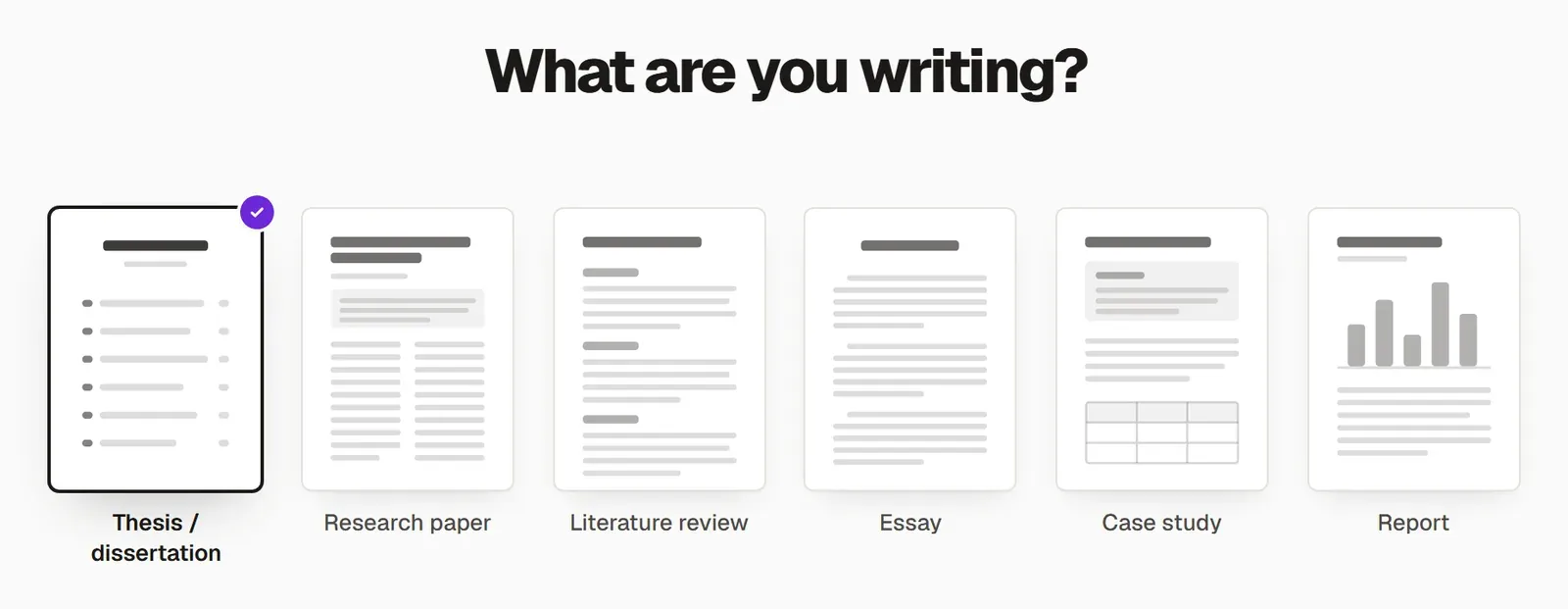
Press New on the left and make sure Write is selected at the top. On the What are you writing? screen, choose your document type: thesis or dissertation, research article, literature review, essay, case study, report or another type.
-
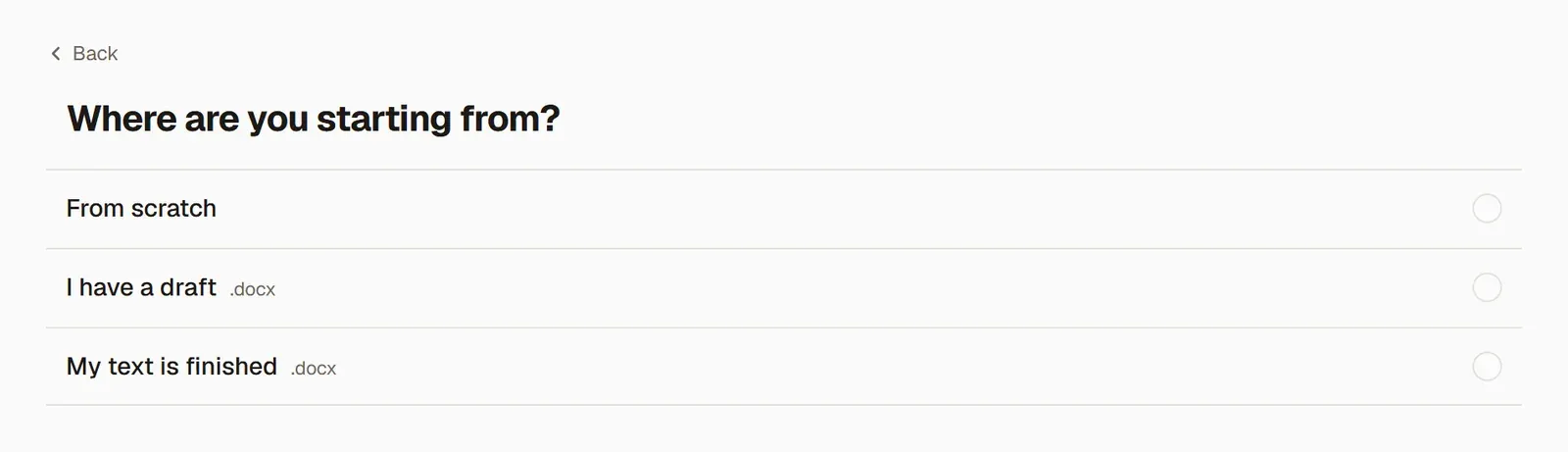
Choose where you’re starting from. If you don’t have any text yet, press From scratch. If you have a half-finished draft or a finished text, upload your .docx file; Bring in your existing thesis covers that route.
-
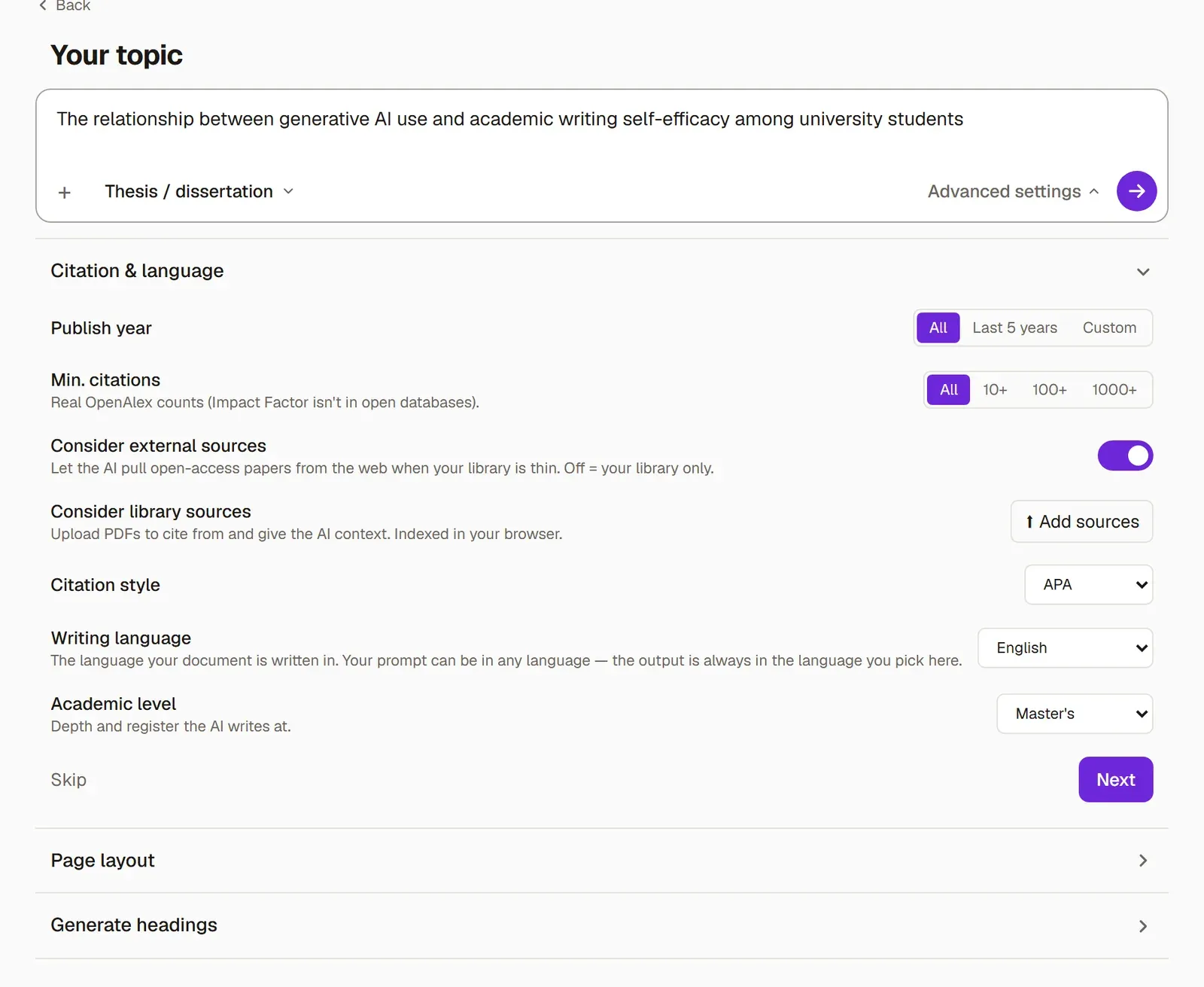
Write your topic in one sentence. If you want, you can set the citation style, publication years, academic level and page layout under Advanced settings.
-
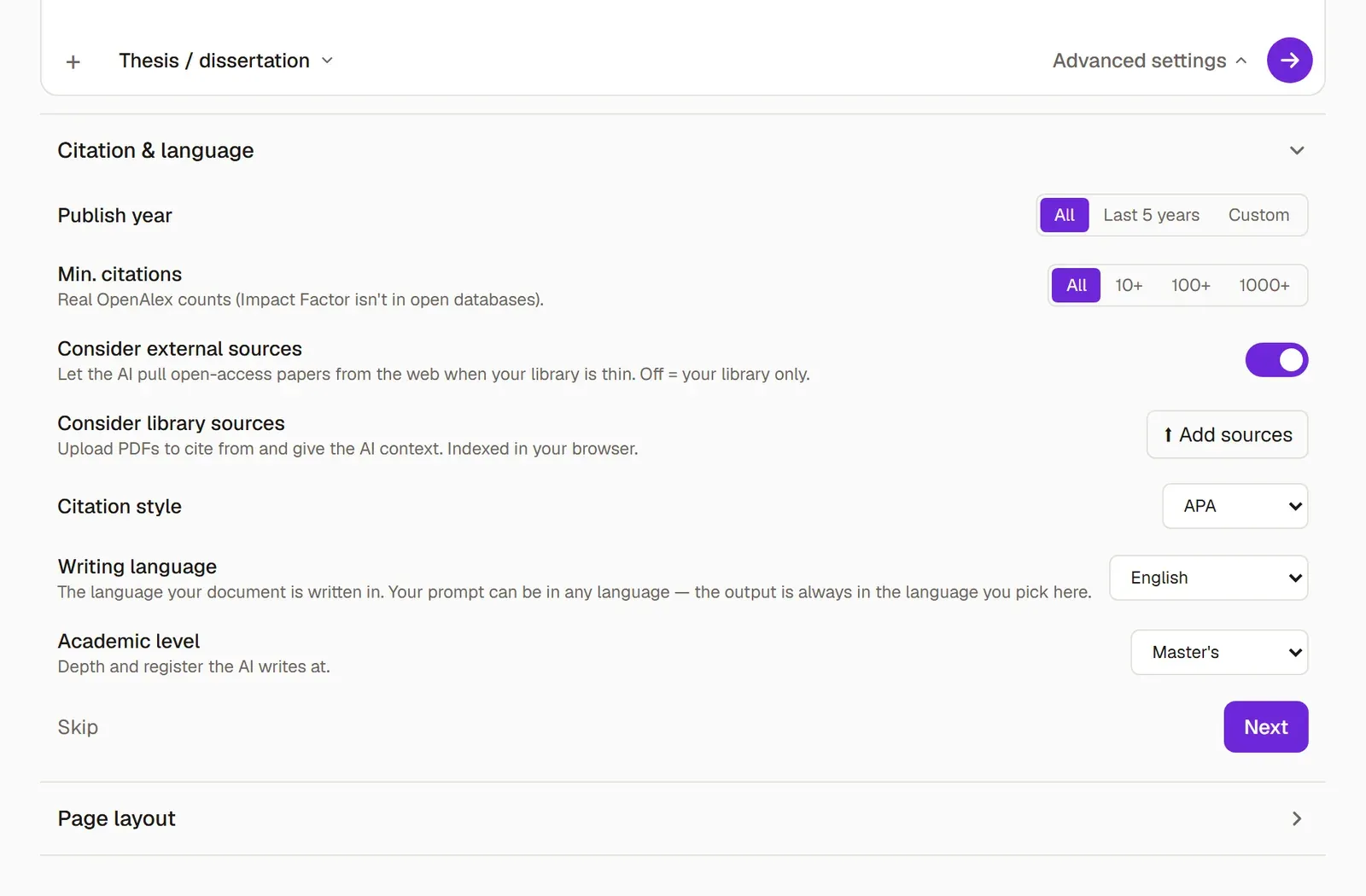
Under Advanced settings → Citation & language, check the Writing language. If you use Grongy in English, English is already selected; if you’re going to write in another language, change it here. Grongy gives its suggestions and writes new text in this language.
-
Answer a few questions about your work, such as its claim, aim and method. Pass over a question you can’t answer with Skip; Suggest an answer drafts an answer for you.
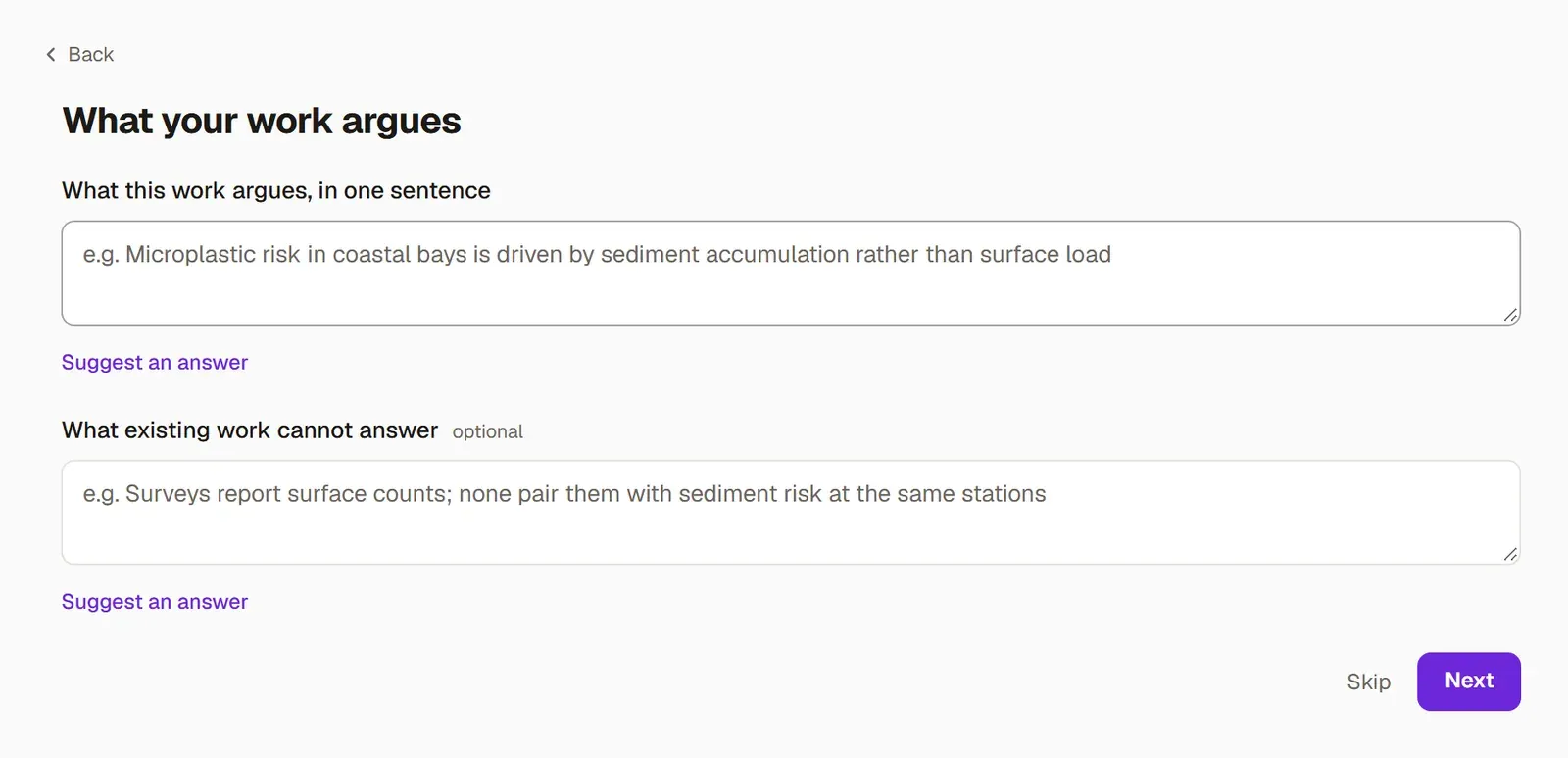
-
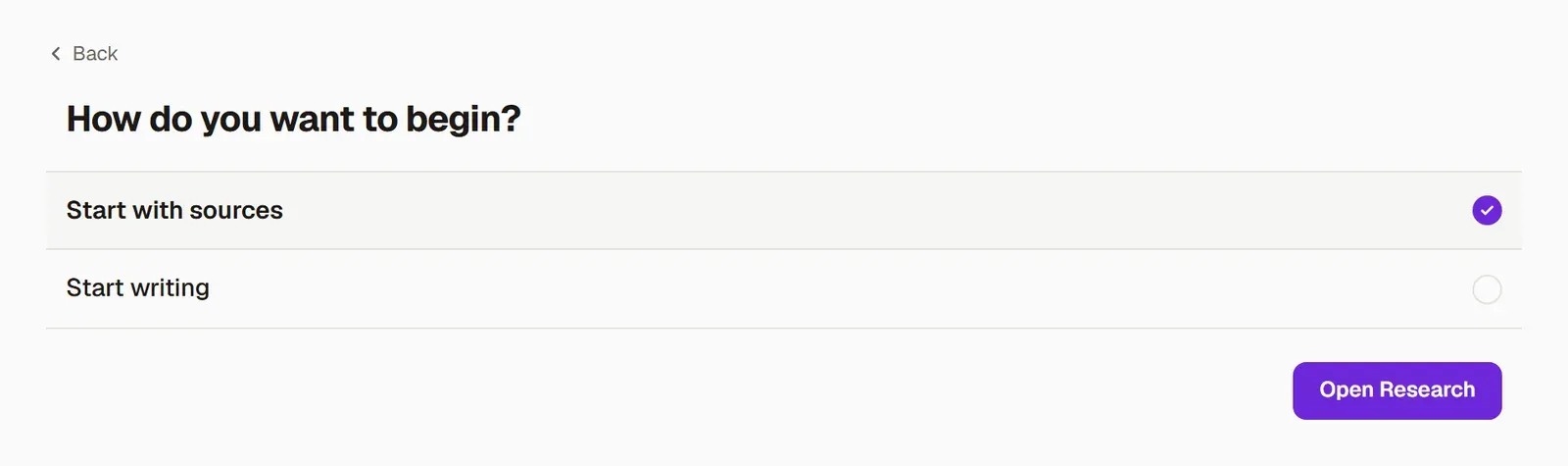
On the last screen, decide how to begin. If you choose Start with sources and press Open Research, Grongy starts searching for papers on your topic. If you’d rather write right away, choose Start writing.
What happens next
Section titled “What happens next”Your document opens, and the first results are waiting on the Research tab. Find papers shows how to work with them. The Thesis from scratch guide follows the whole path from topic to submission, step by step.