

Walkthroughs
Thesis from scratch
If all you have is a topic, work in this order: create your document, find sources, read them, compare them, write, and check your work before you submit.
-
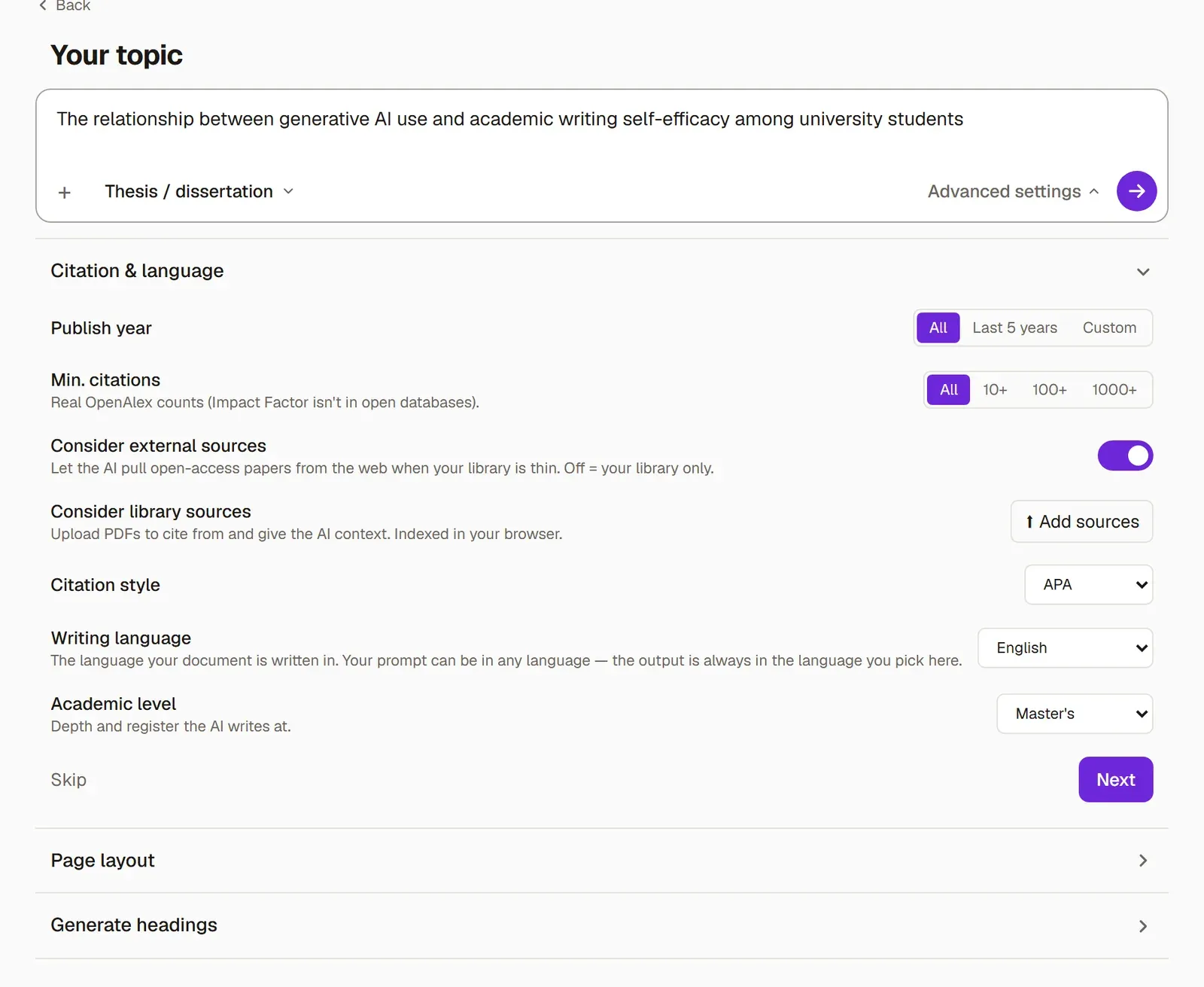
Create your document. In New → Write, choose its type, start with From scratch, write your topic and check that the writing language is English. Create your first document covers every screen.
-
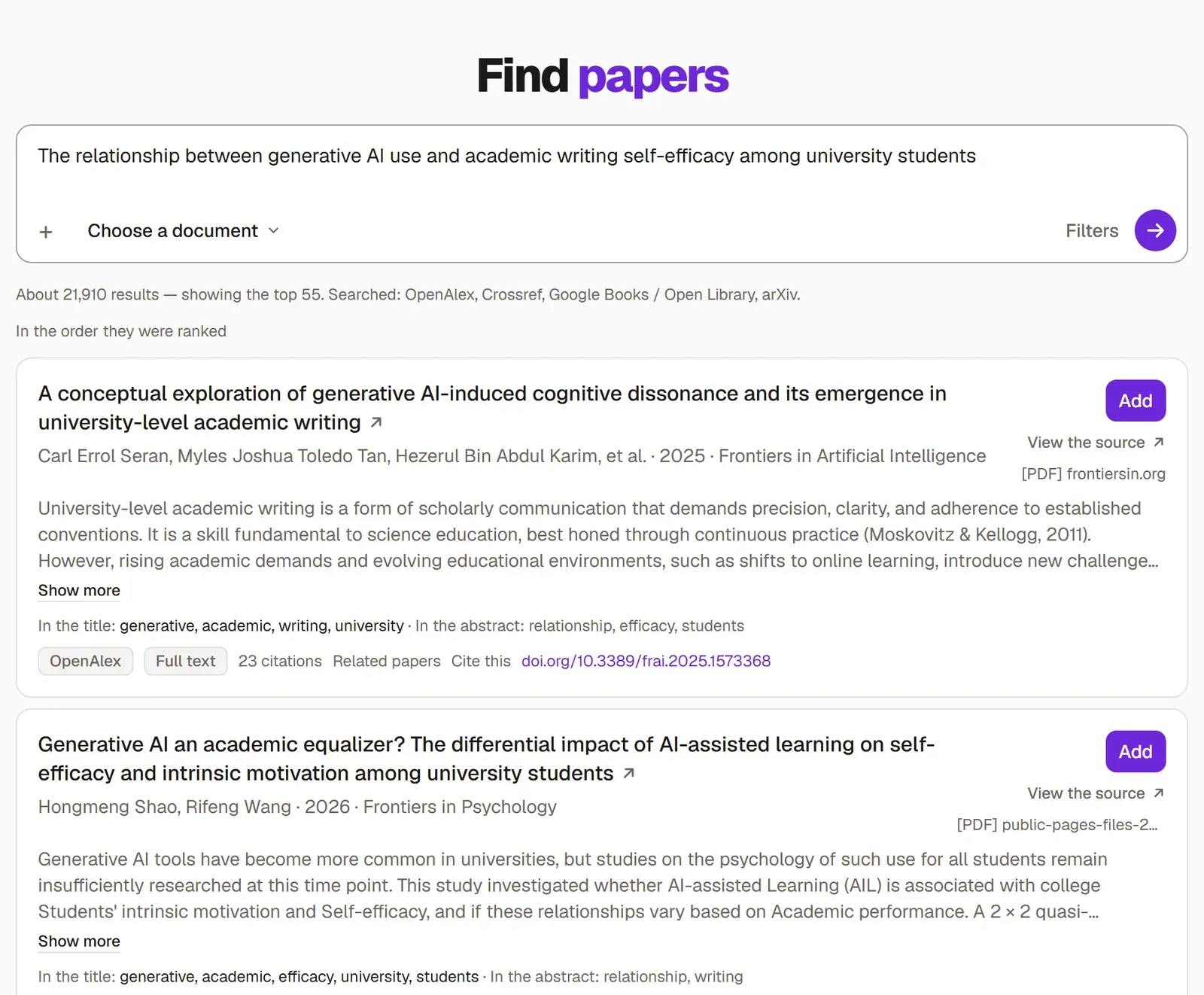
On the last screen, choose Start with sources and press Open Research. Grongy starts searching for papers on your topic.
-
The results come from real academic indexes. Add a paper you can use to the document’s library with Add. Find papers explains what each part of a result card means.
-
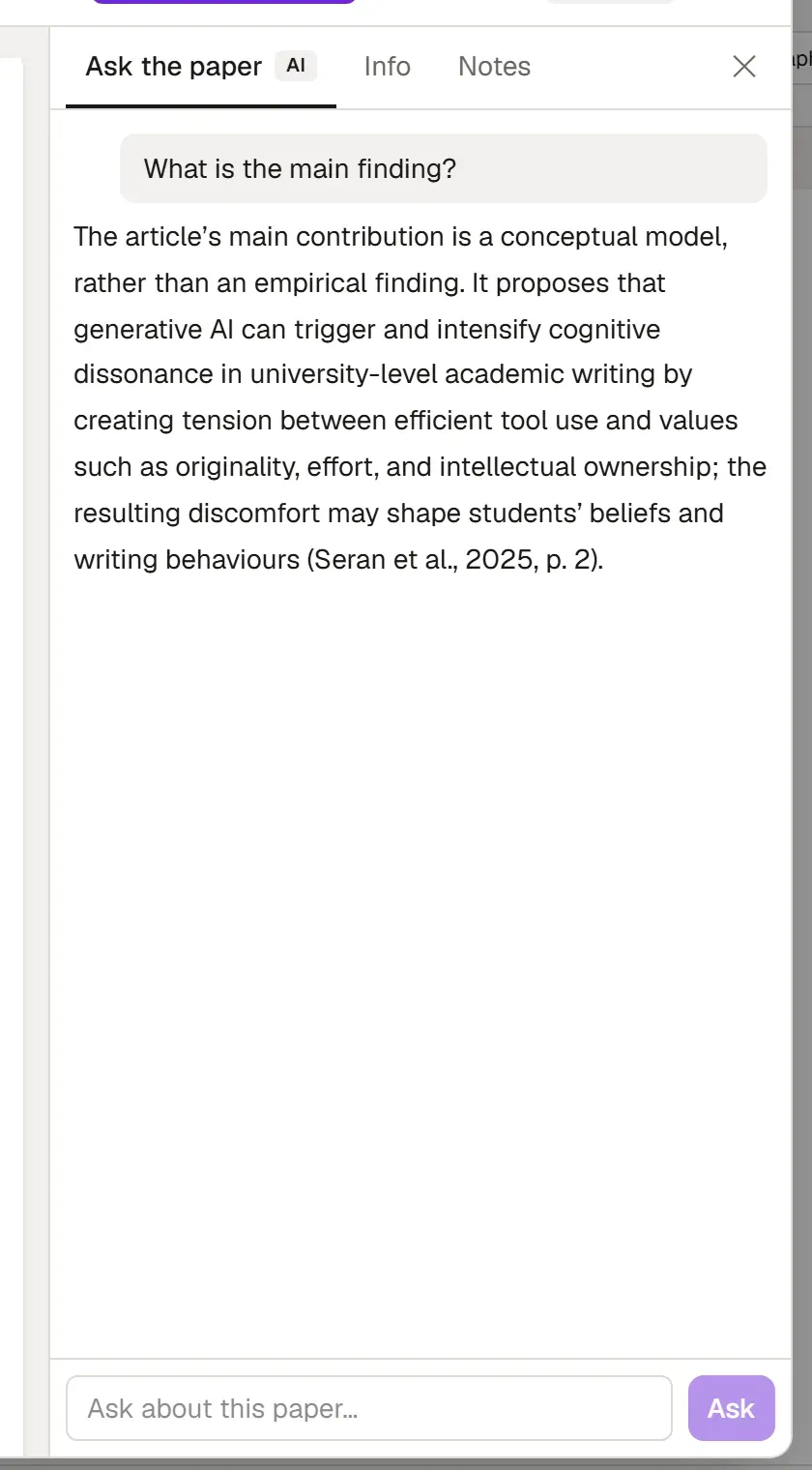
Read your sources. Open-access papers usually bring their full text with them. Open a source in the reader from the library on the Write tab; Ask the paper answers from the paper itself, with page numbers. The reader’s other tools are on PDF reader.
-
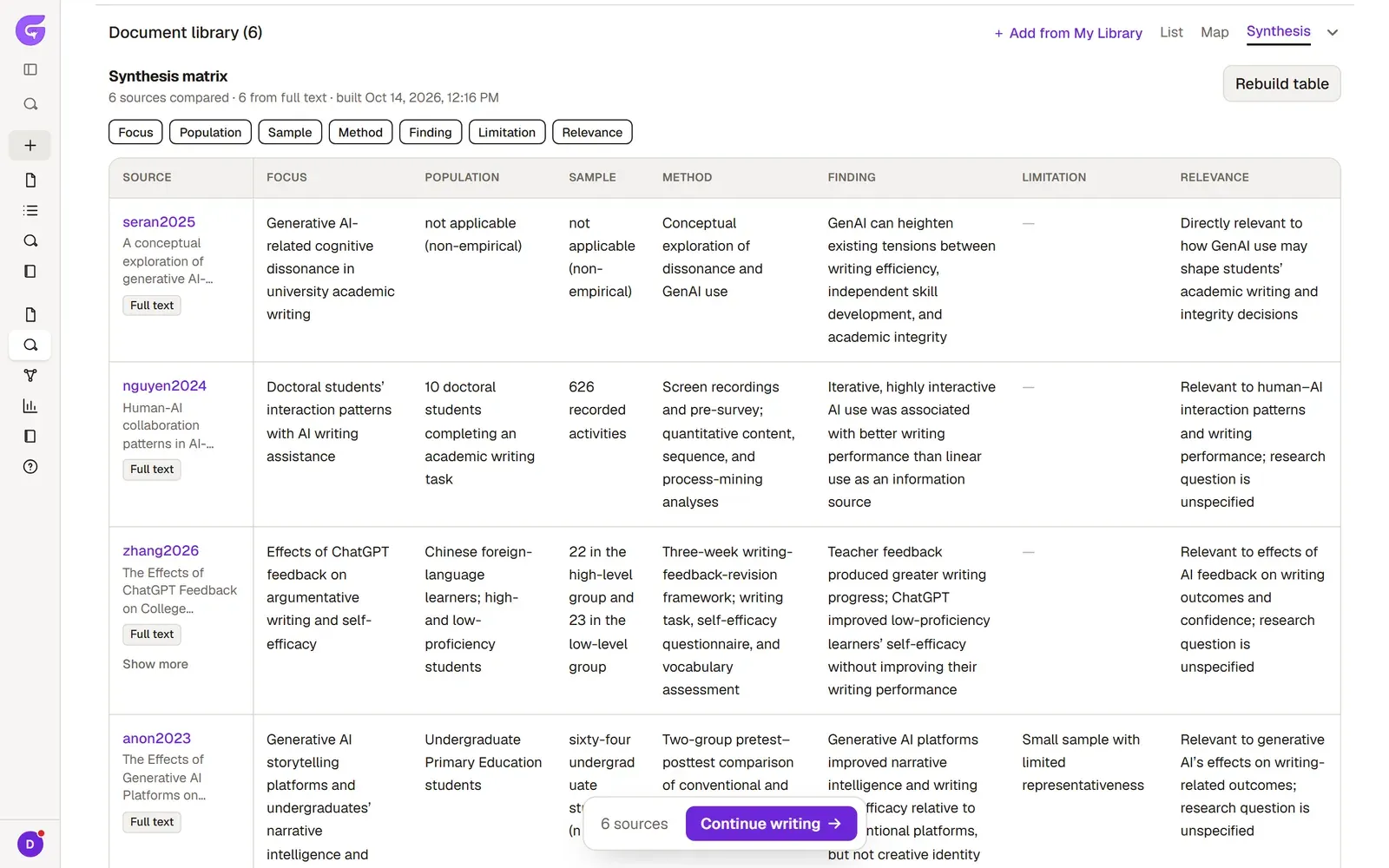
To compare your sources, open Research → Synthesis. The table sets each source’s focus, sample, method, finding and limitation side by side. Synthesis matrix shows how to build it.
-
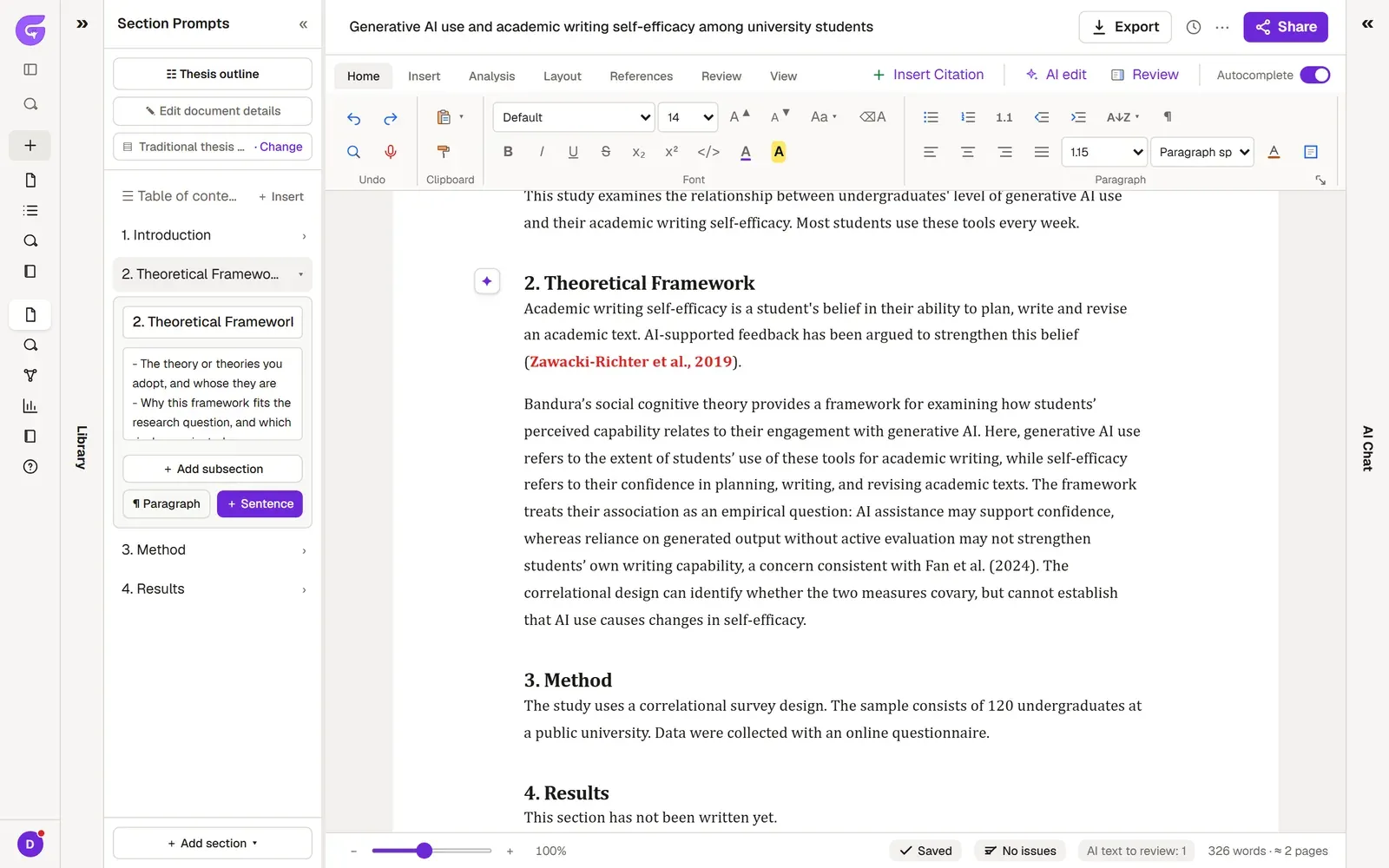
Start writing. Pick a section in Section prompts and press ¶ Paragraph. Grongy writes a paragraph that cites real sources, either from your library or ones it found for this section, and the paragraph arrives marked in green. Read it first, then press Accept or Refine suggestion. Section prompts covers the rest of the panel.
-
Get your text checked. Start Academic review from the ribbon’s Review tab. The findings arrive in order of importance, and Go to takes you to the sentence in the text. Academic review explains how to read the results.
-
When you’re done, use Export in the top right to get a Word, PDF, LaTeX or Markdown file. Each format is covered in Exporting.