
Walkthroughs
Literature review
If you want to gather and read the literature before you move on to writing, follow these steps in order.
-
Open Find papers from the left menu. Type your topic, some keywords, a title or a DOI in the box. A query in Turkish works too: Grongy expands it for the English-language indexes. Find papers covers search in detail.
-
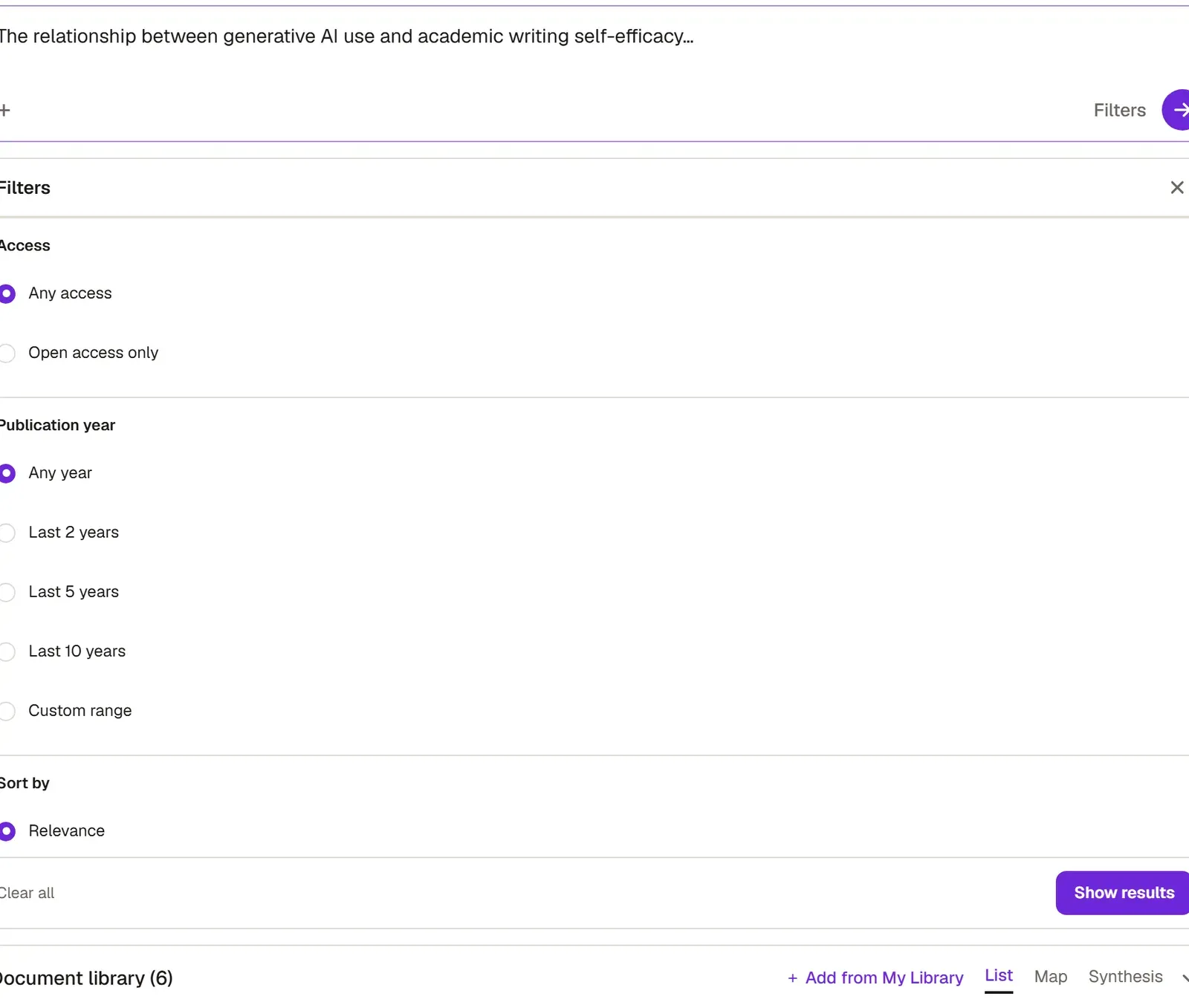
Narrow the results with Filters. You can choose the publication year, document type, minimum number of citations and language, and show only open-access papers.
-
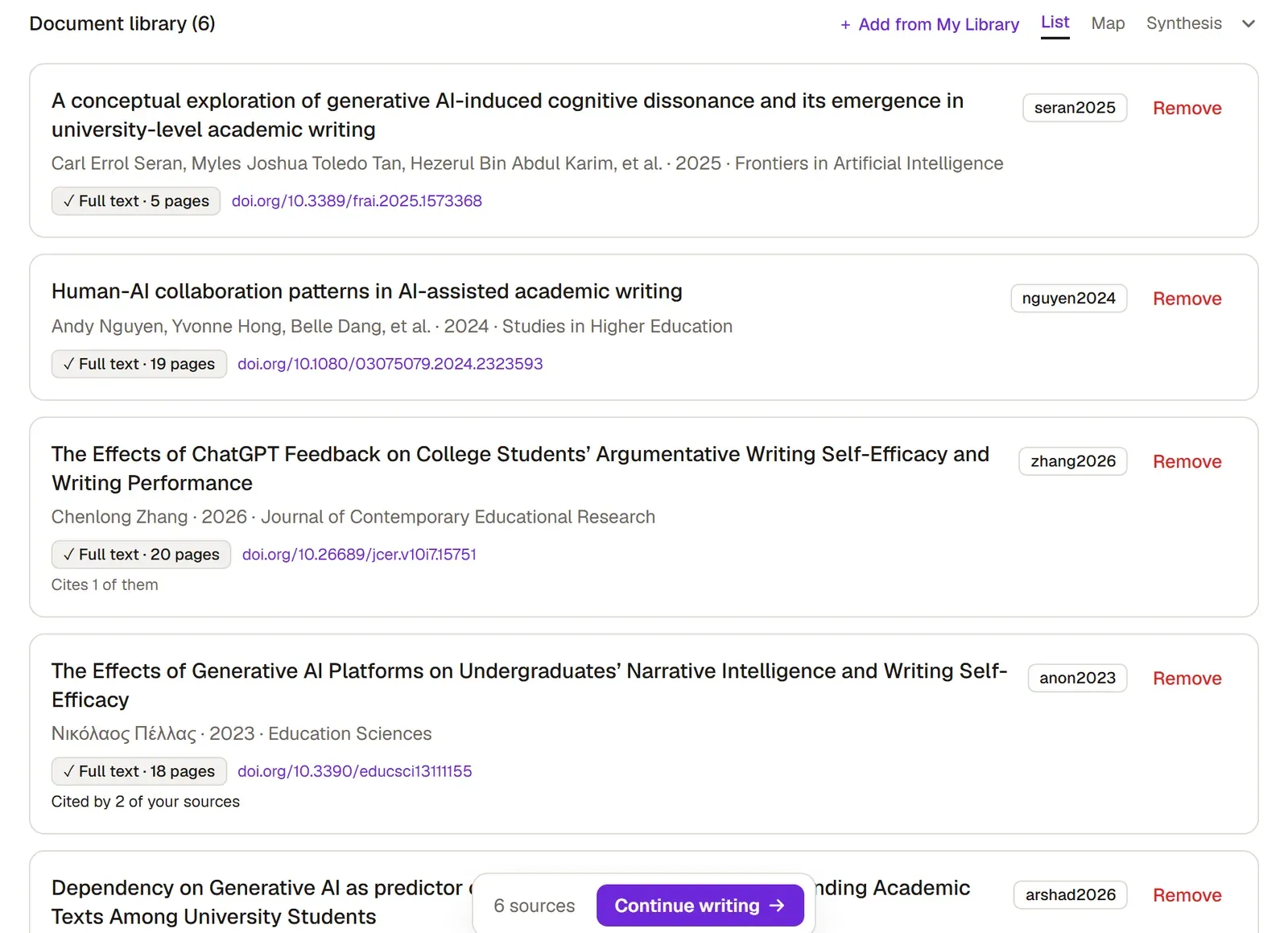
Add a paper you can use to your library with Add. Open-access papers usually bring their full text with them; in the library you’ll see a tag such as “Full text · 17 pages” beside them.
-
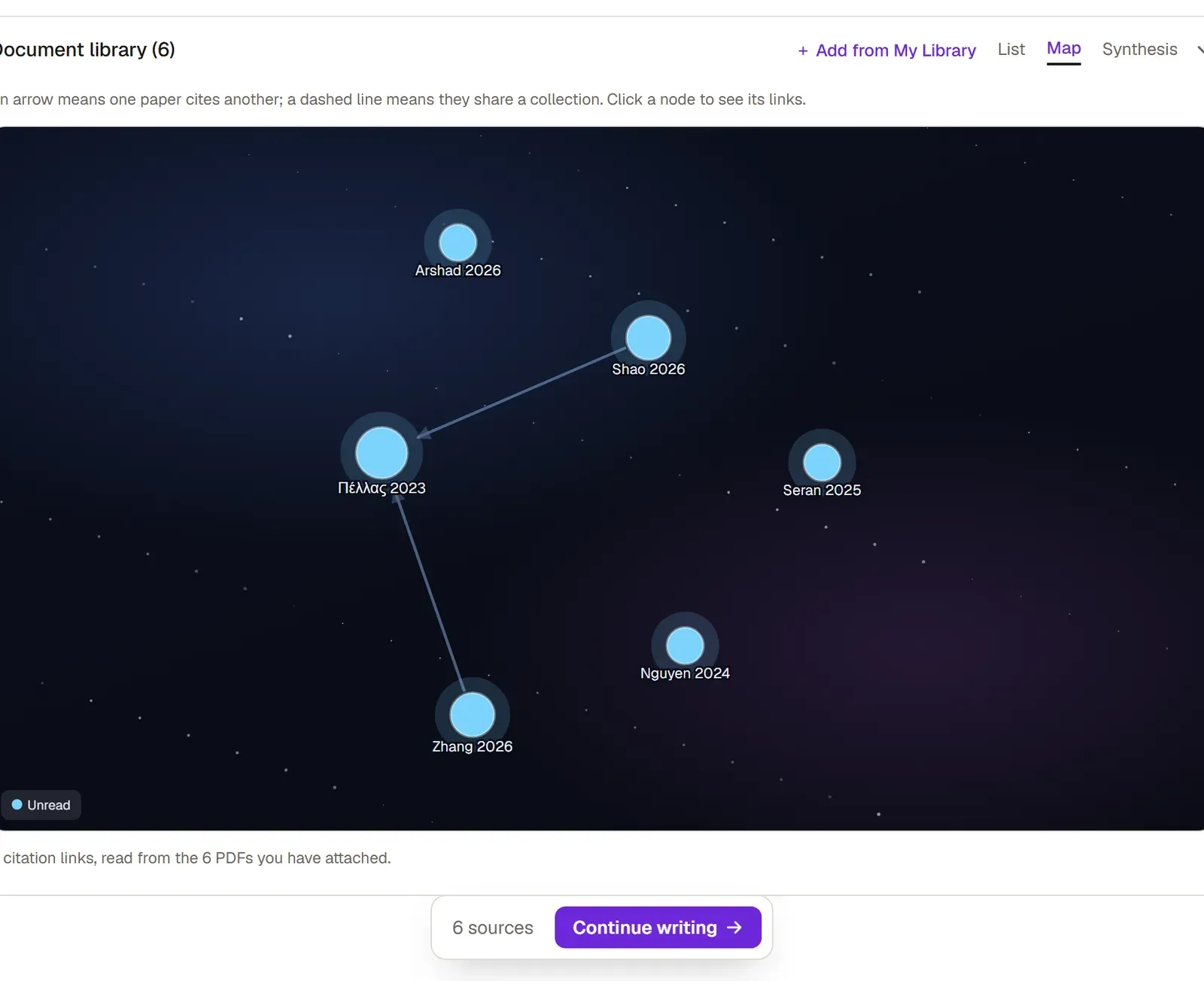
To see how the papers connect, switch to Map. The map draws how the papers in your library cite one another; Citation map explains how to read it.
-
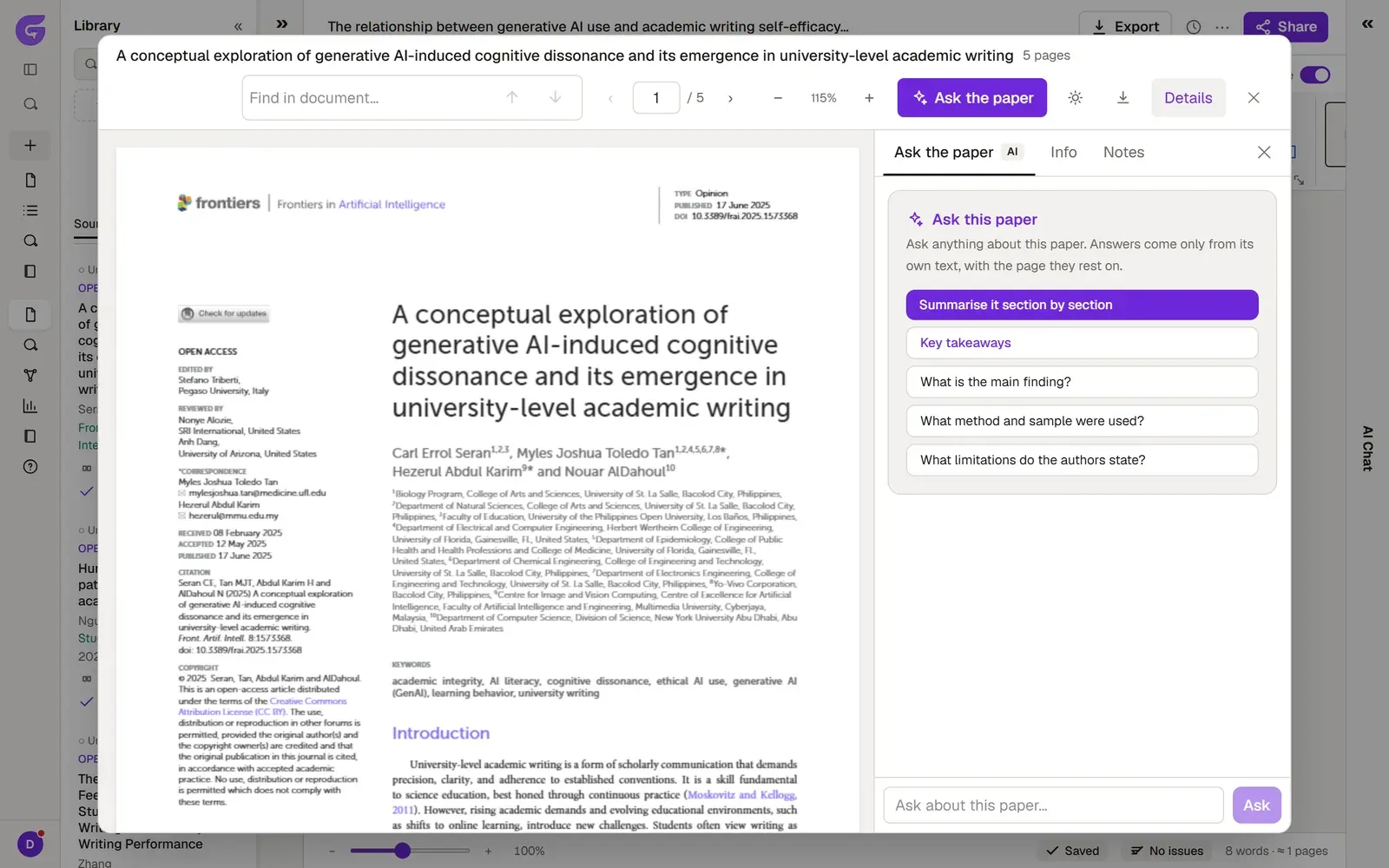
Open a paper in the PDF reader and ask it a question with Ask the paper. You can start with ready-made options such as Summarise it section by section or What method and sample were used? The reader’s other tools are on PDF reader.
-
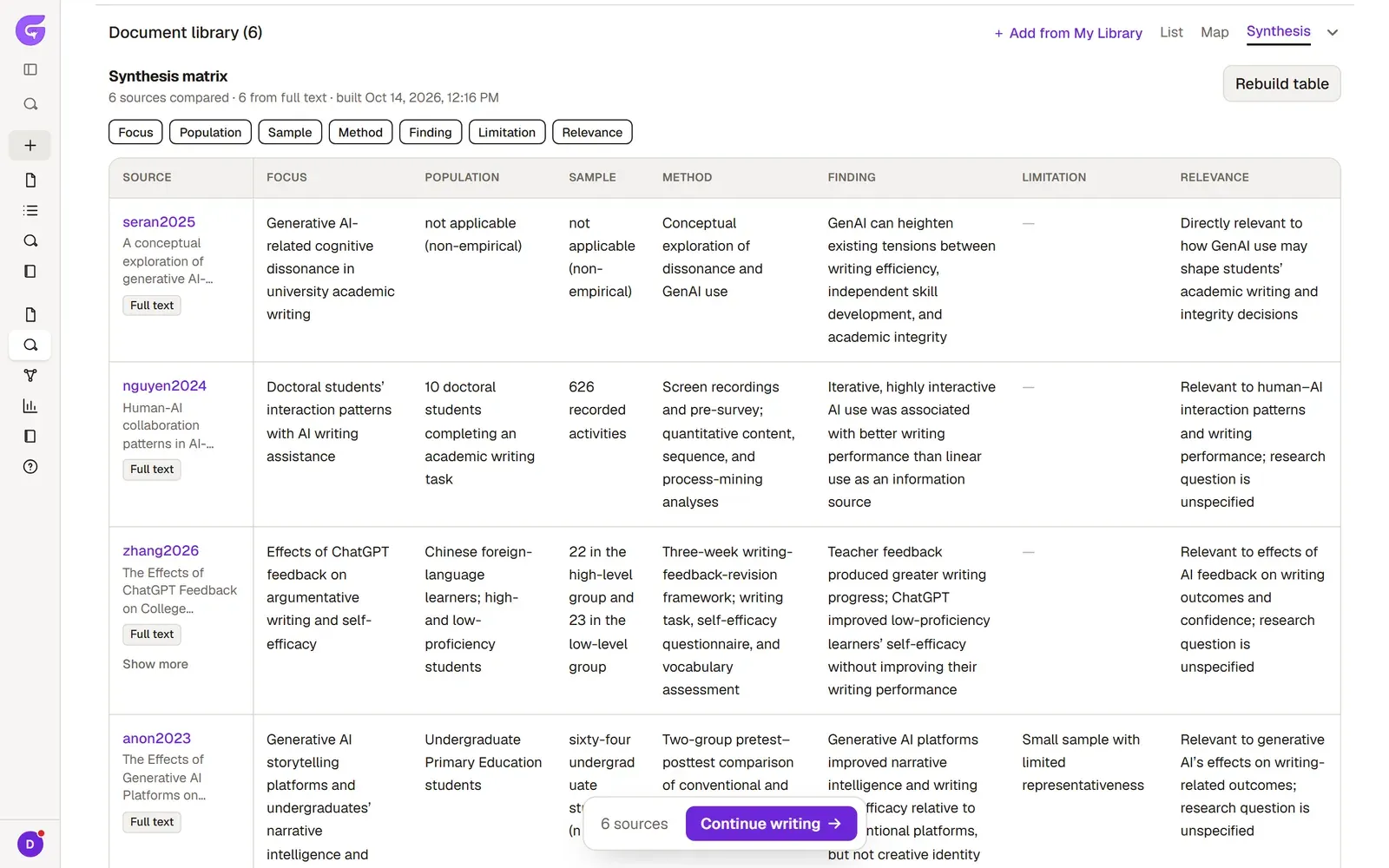
Finally, build the table in the Synthesis view. Grongy compares the sources that have a PDF from their full text, and the others from their abstracts. Synthesis matrix explains the columns.