
Walkthroughs
Get my text checked
If your text is finished and you only want it checked, upload your file and choose what Grongy should look at.
-
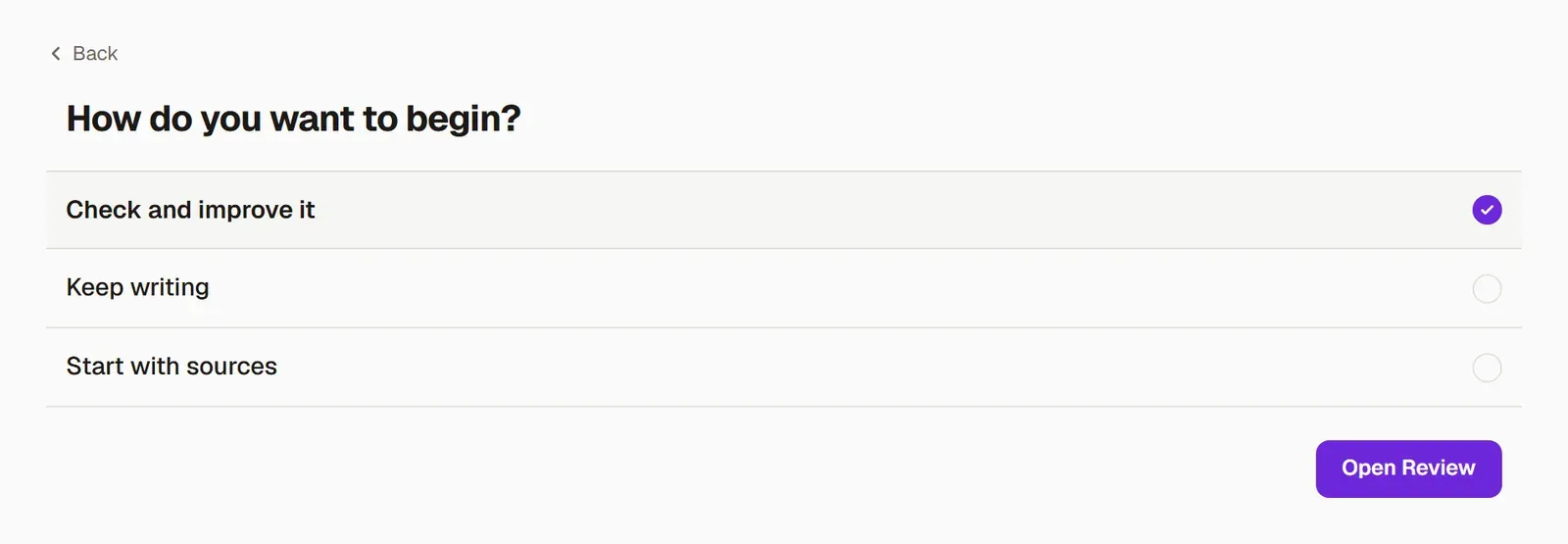
In New → Write, press My text is finished and add your .docx file. On the last screen, choose Check and improve it and press Open Review.
-
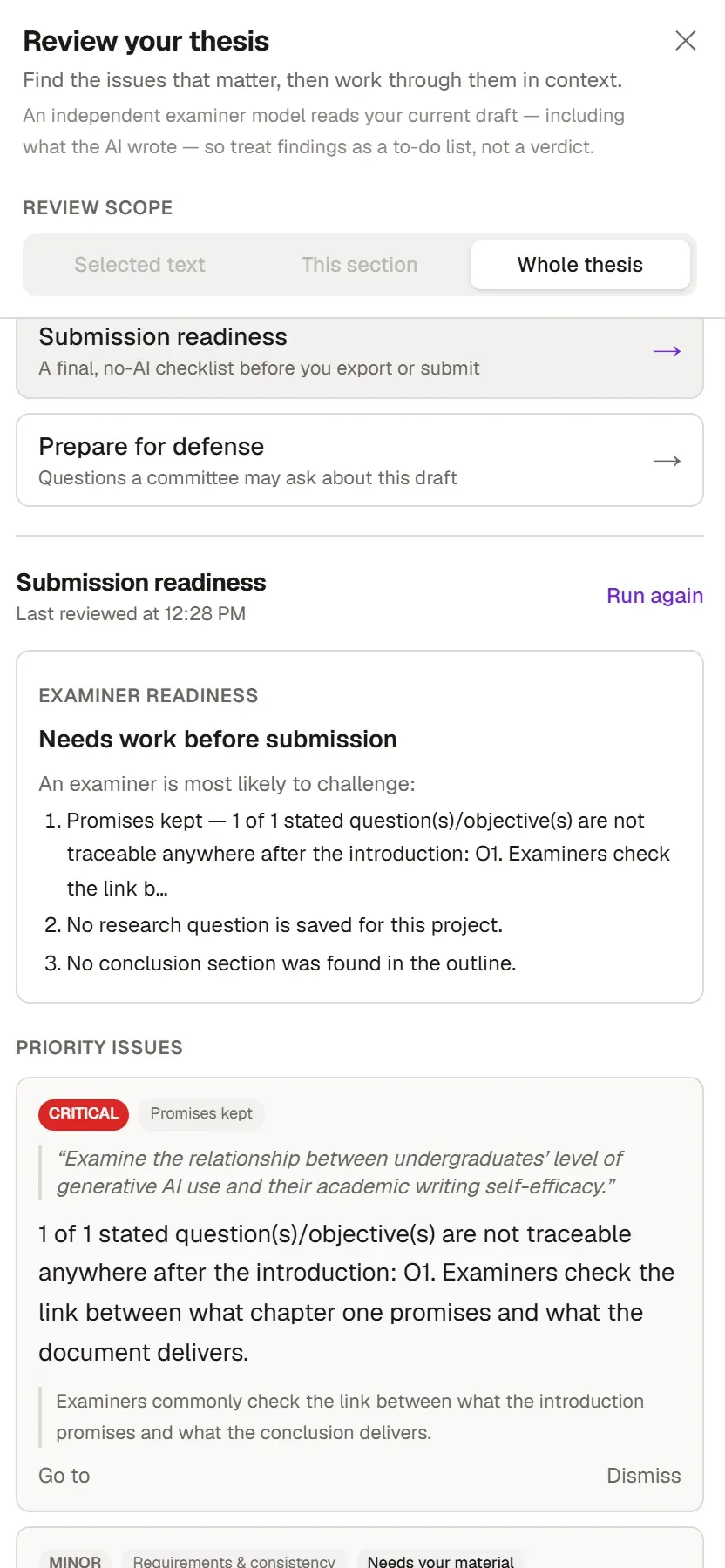
In the Review your thesis panel that opens, choose what to check. The options include:
- Academic review
- Language & clarity
- Sources & citations
- Source integrity
- Format check
- Submission readiness
- Prepare for defense
Review your thesis explains what each one does.
-
To see whether your sources really support your sentences, press Check citations on the ribbon’s Review tab. To look at a single sentence, use Verify claim. Both tools are covered in Citation check.
-
Before you submit, run Submission readiness. This list goes through the points your examiners will ask about first. Submission readiness explains what it looks at.